

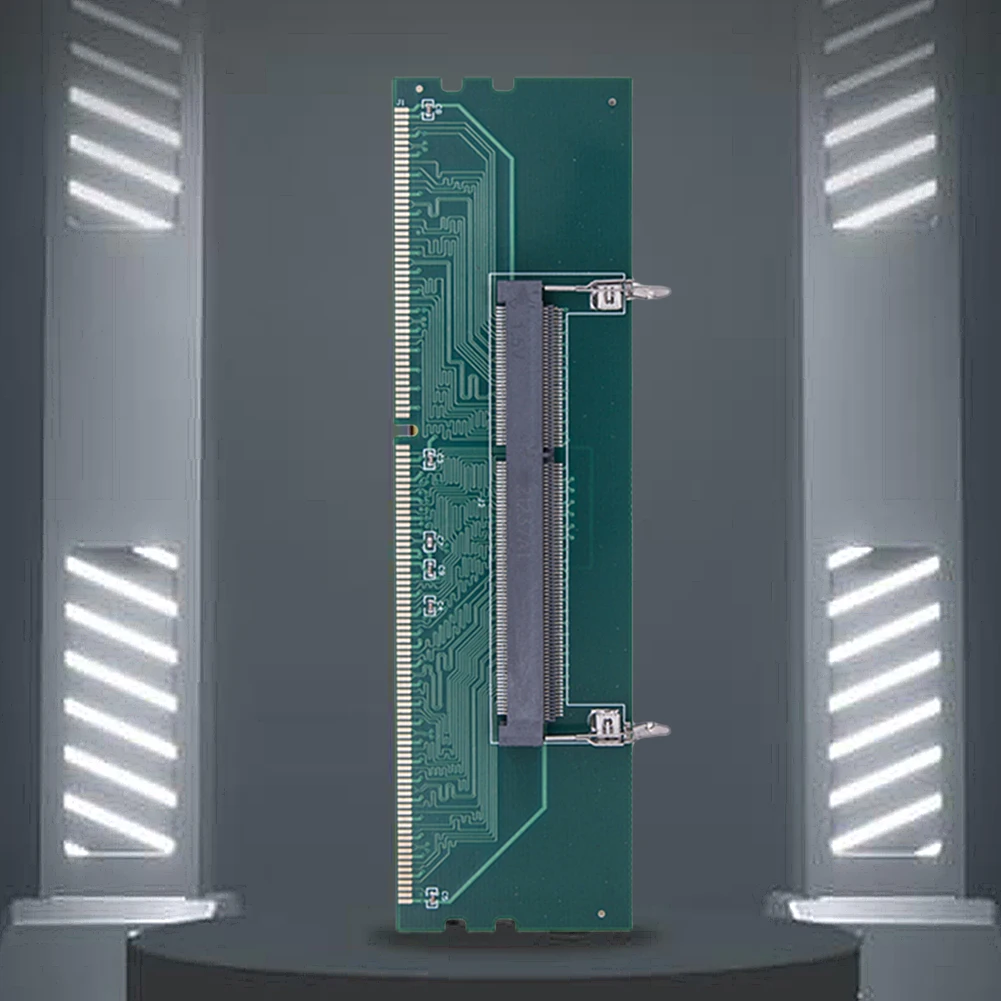
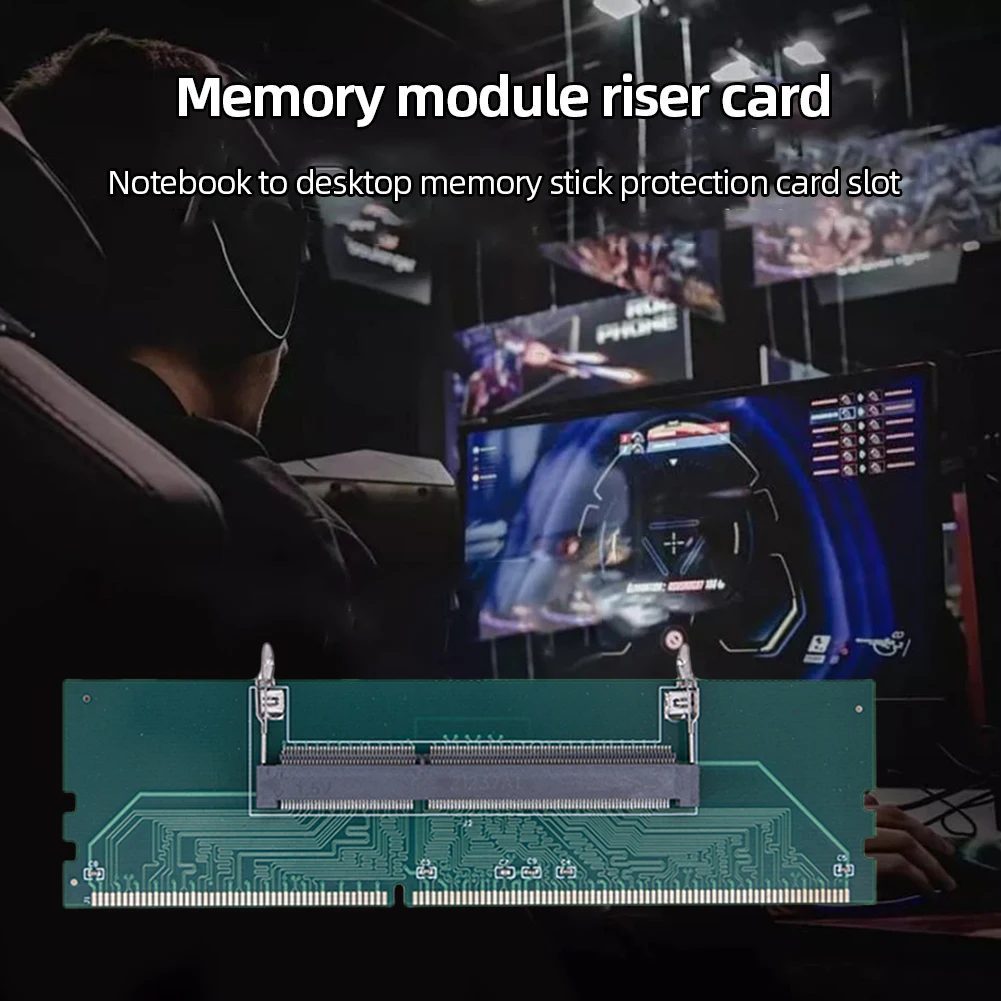
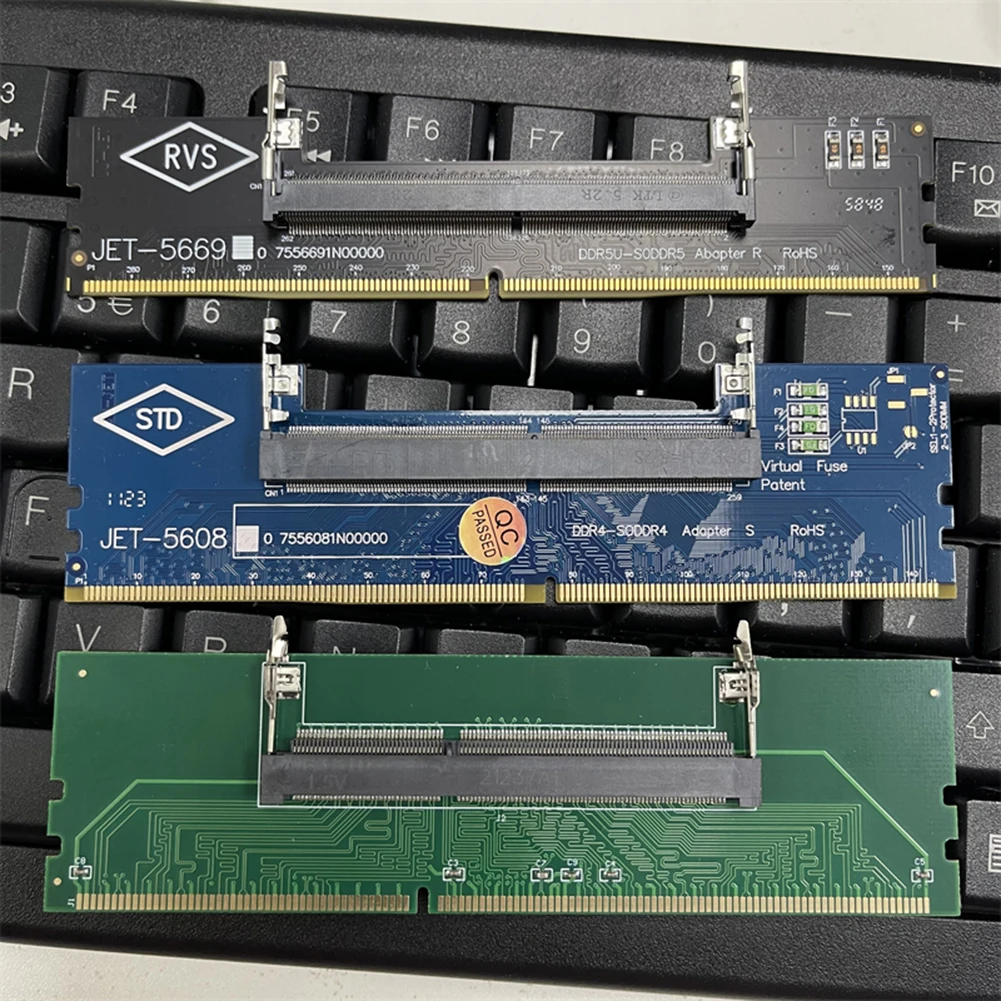
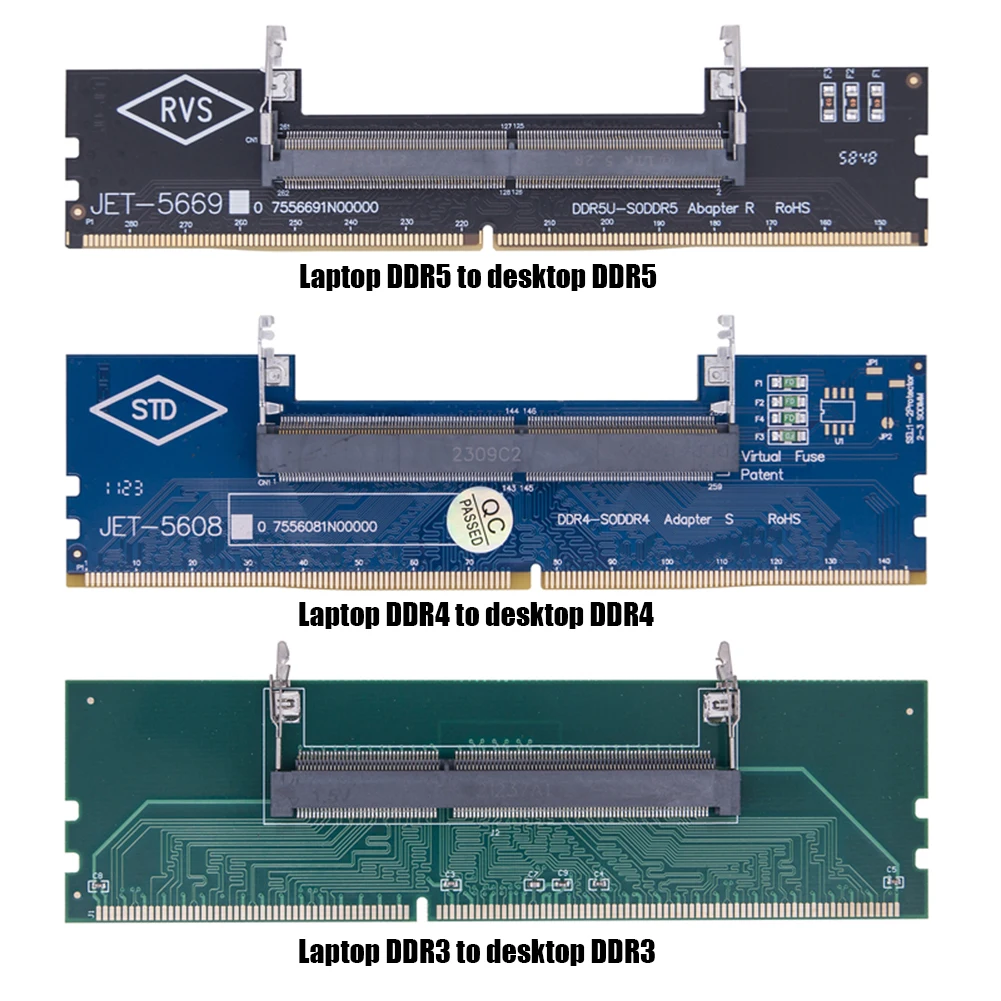
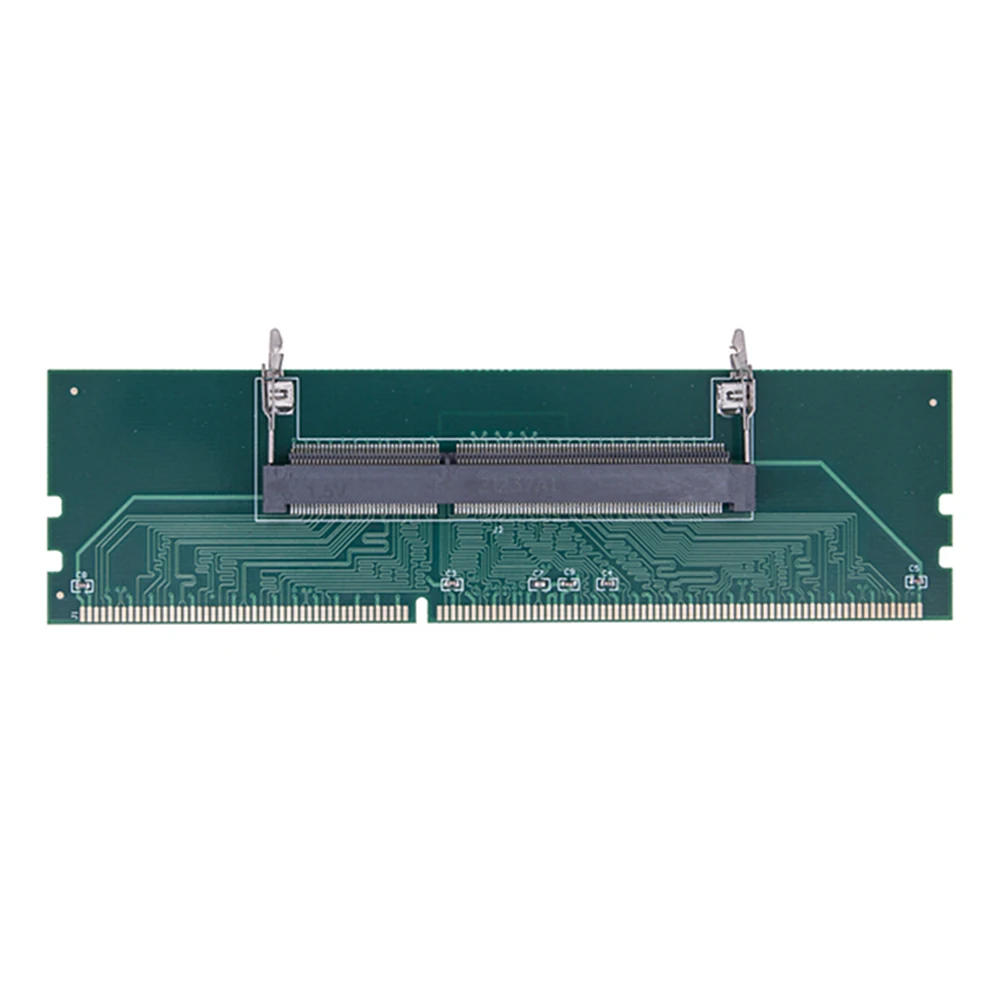
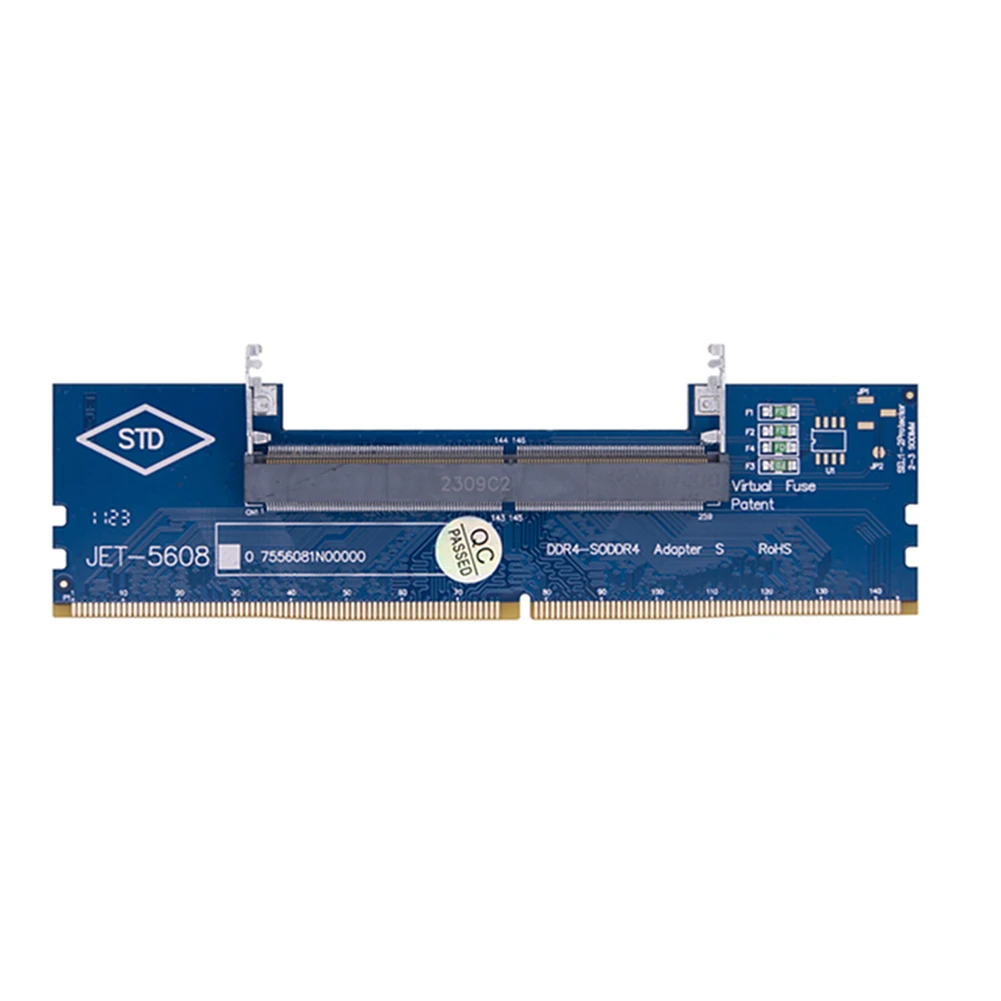
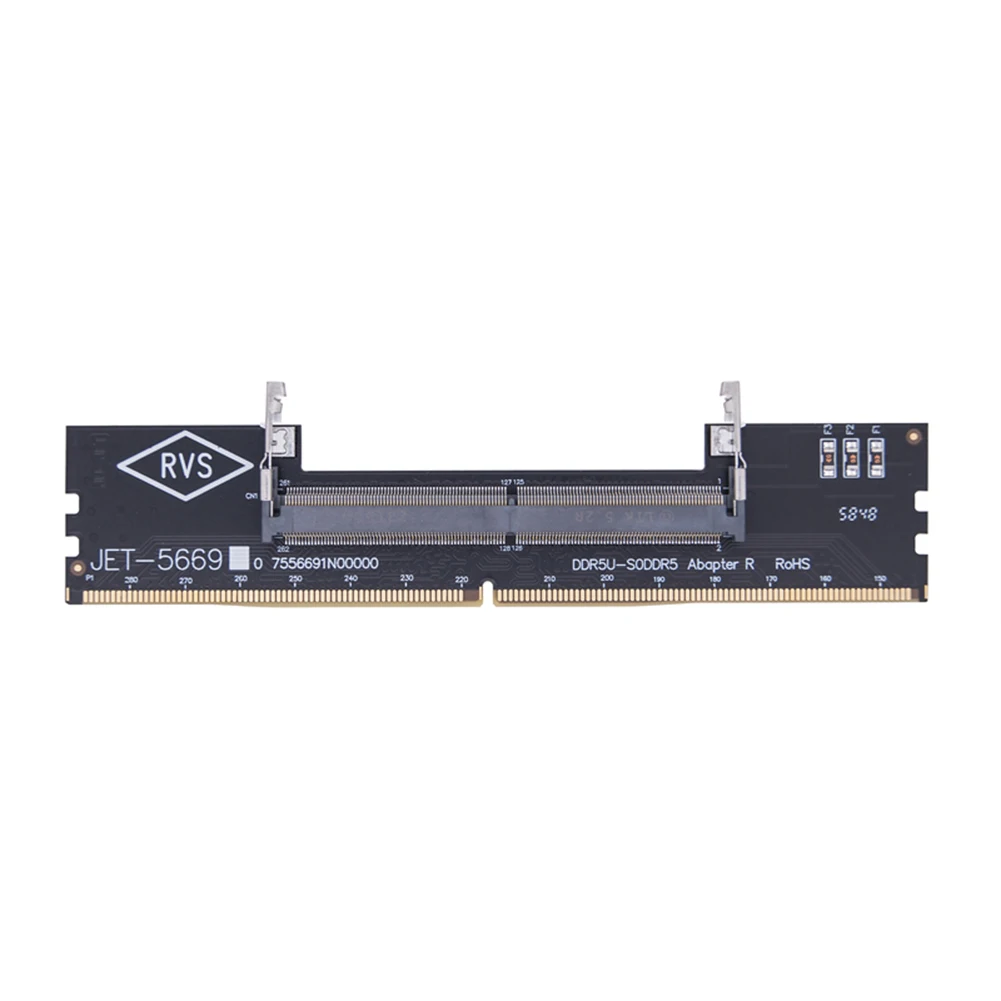
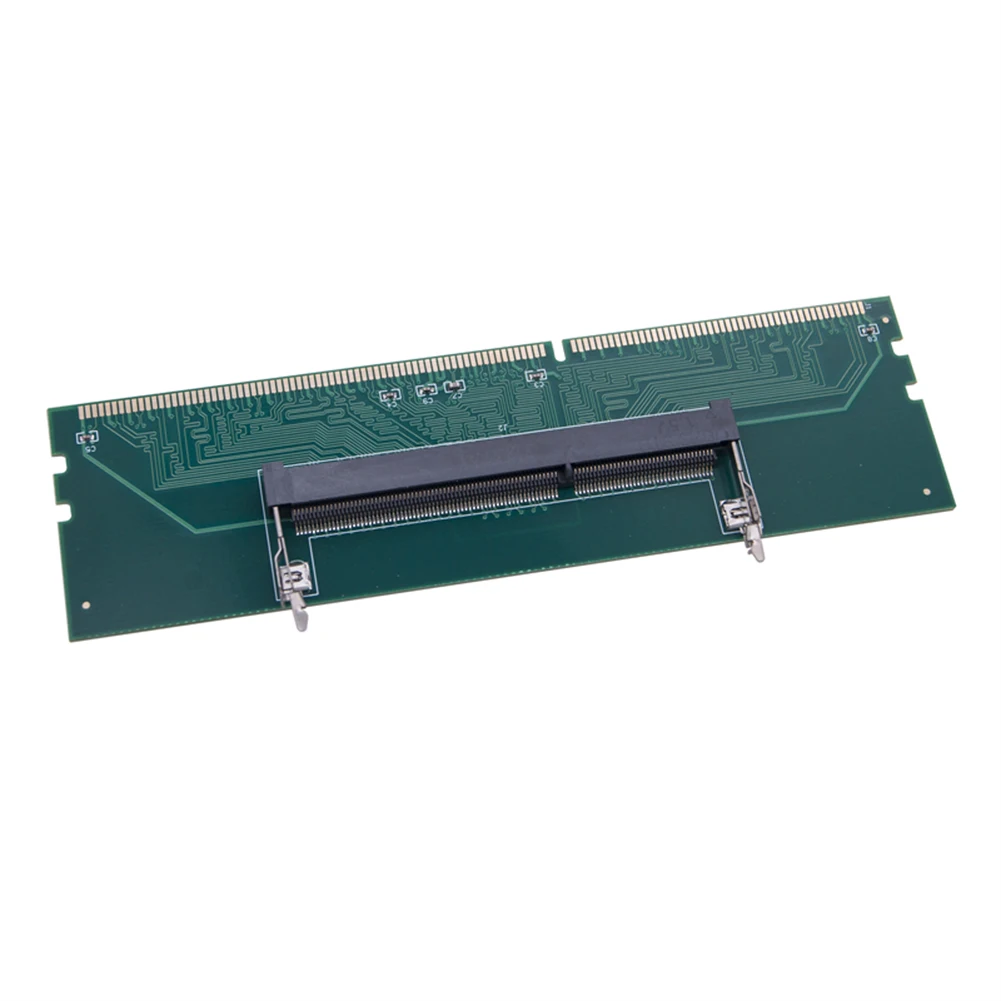
Laptop To Desktop SO-DIMM To PC DIMM Card DDR3 DDR4 DDR5 Memory RAM Memory Adapter Gaming Laptop RAM Connector Card Memory Stick
1pc DDR3 to desktop
$7.07
Skip to product information


Laptop To Desktop SO-DIMM To PC DIMM Card DDR3 DDR4 DDR5 Memory RAM Memory Adapter Gaming Laptop RAM Connector Card Memory Stick
$7.07
Shipping calculated at checkout.
SPECIFICATIONS
Brand Name: ALLOYSEED
Choice: yes
High-concerned chemical: None
Model Number: Laptop To Desktop Memory Adapter Card
Origin: Mainland China
Type: Cable Adapter
|
|
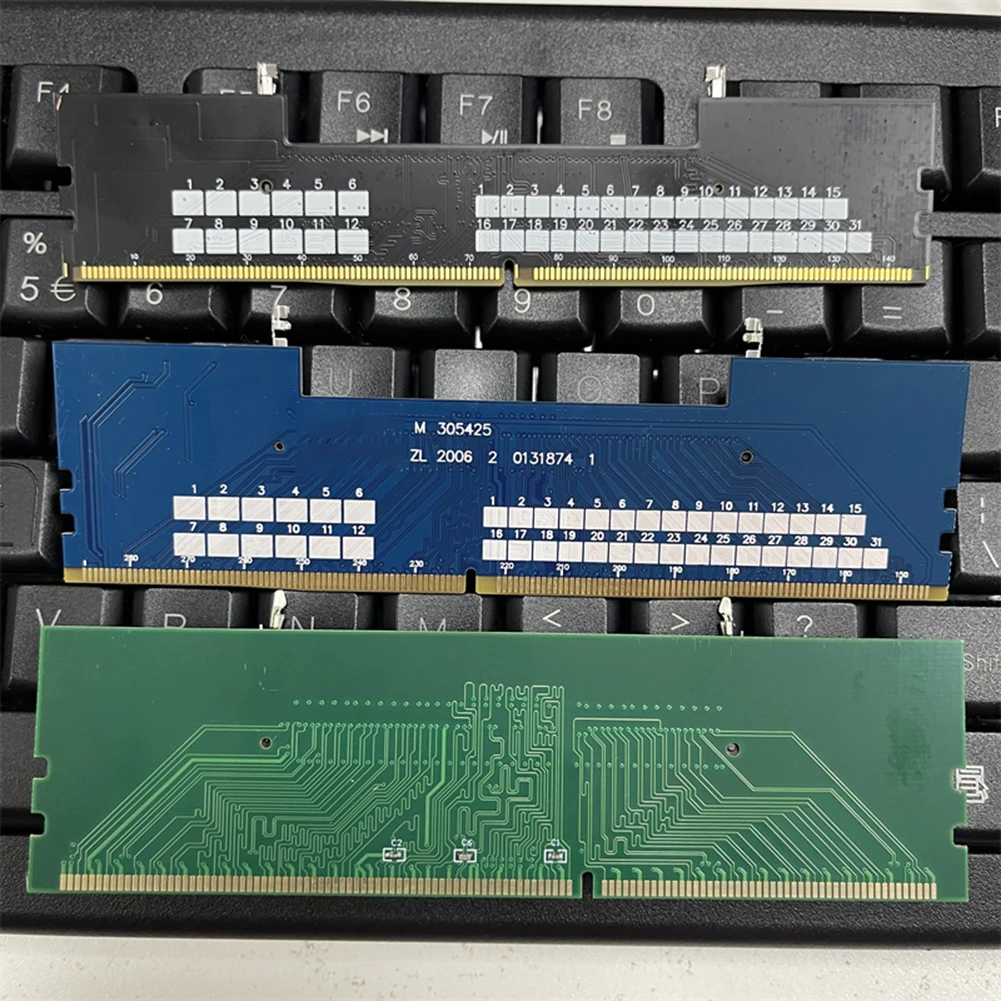
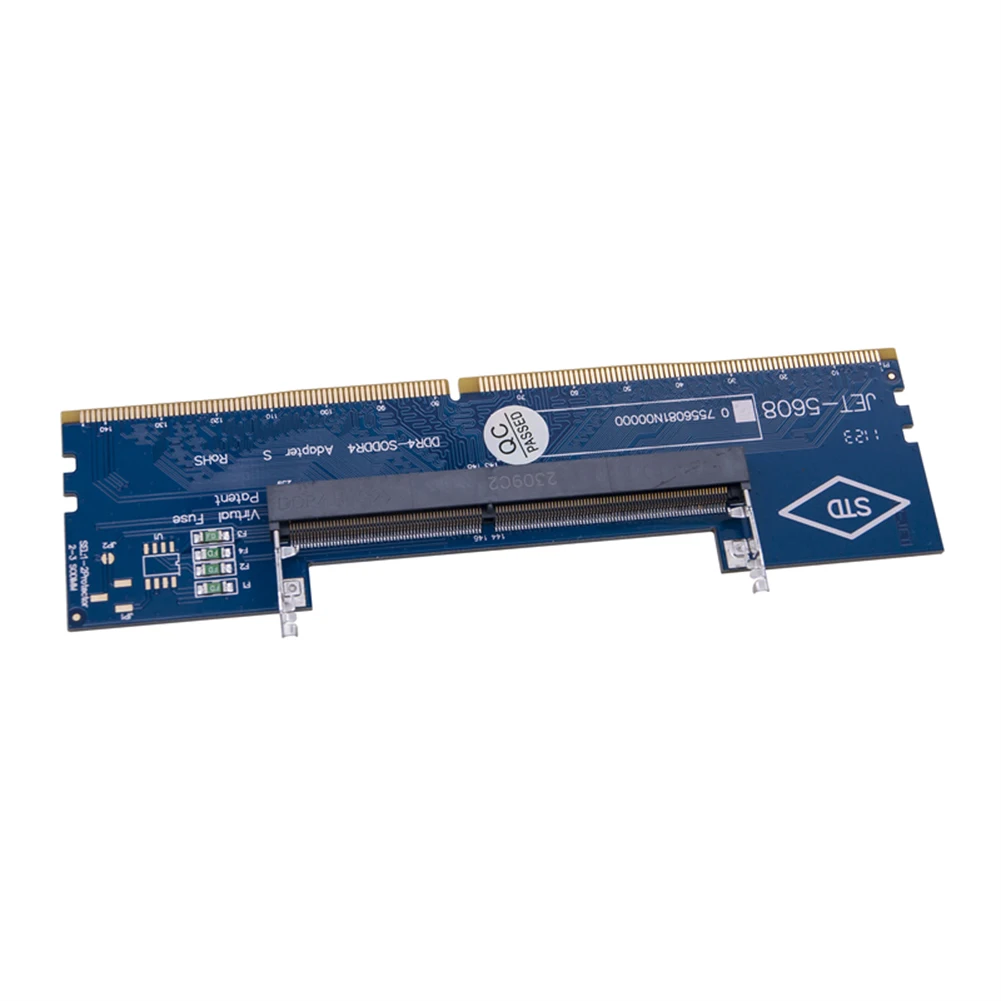
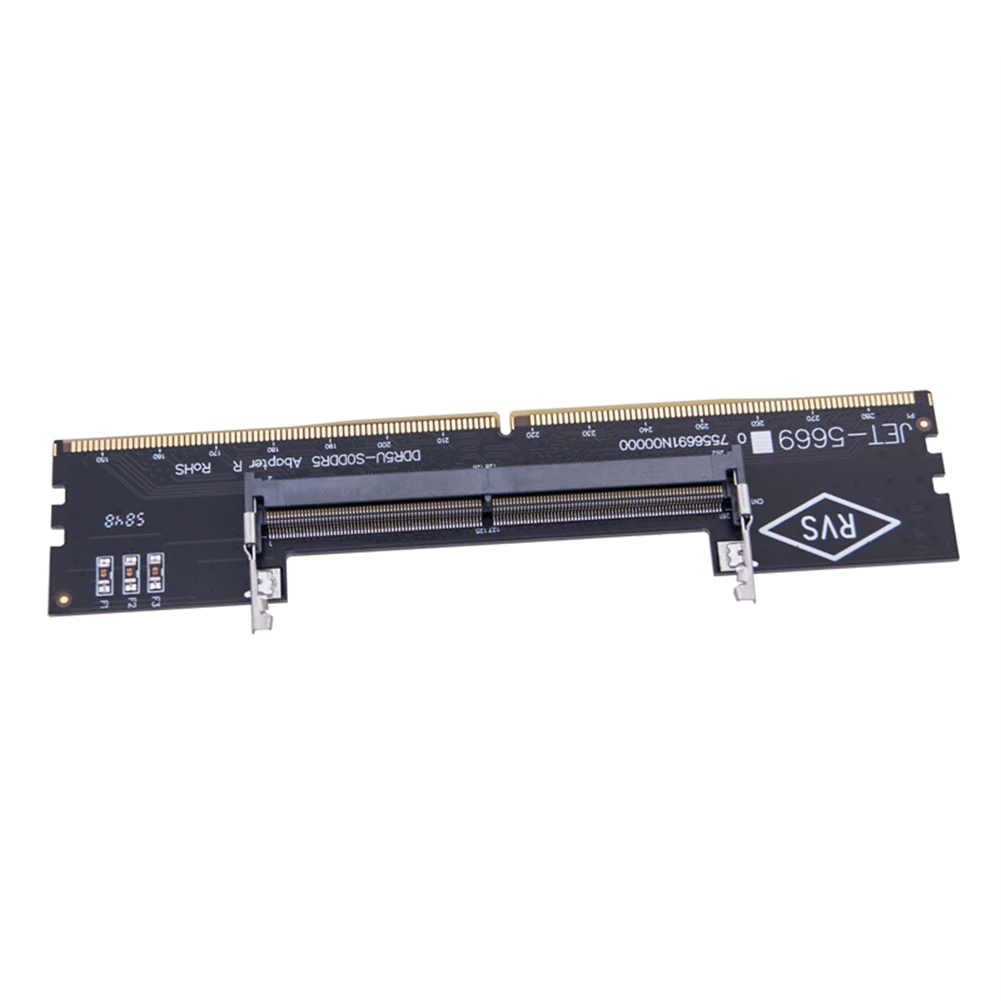
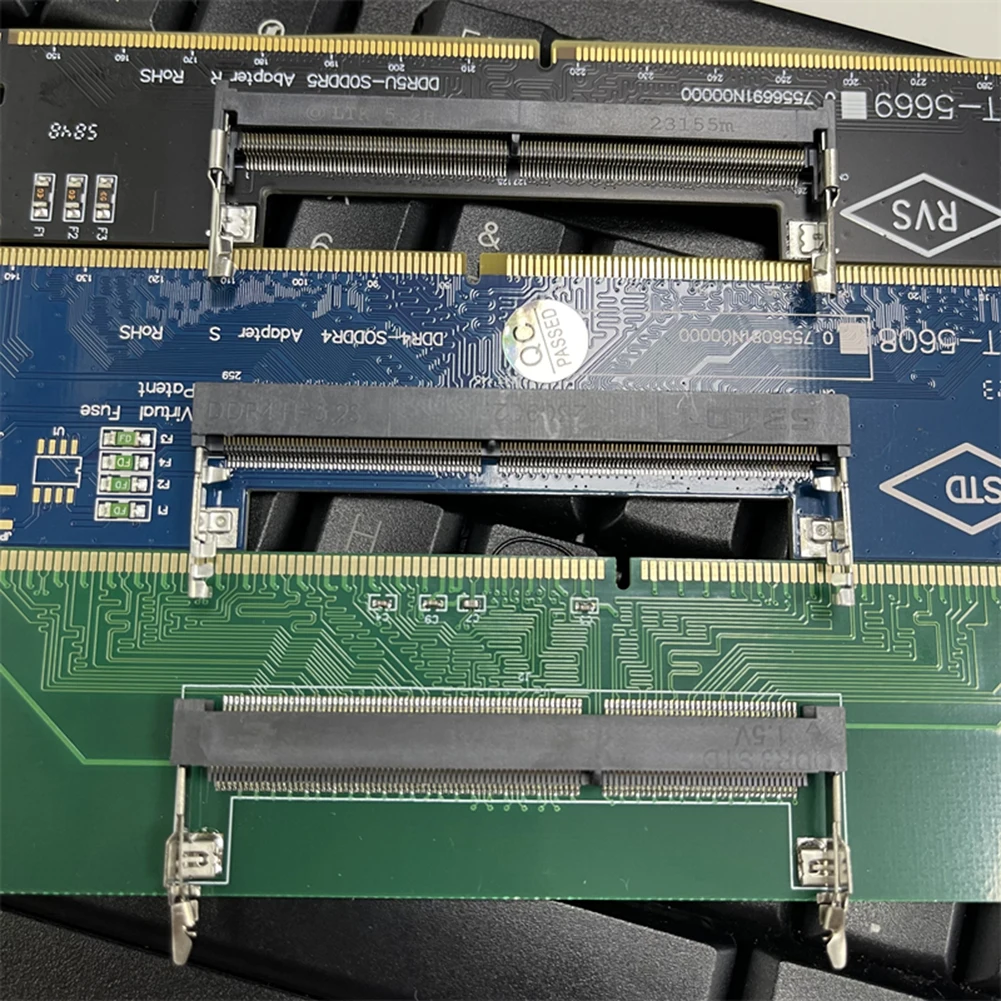
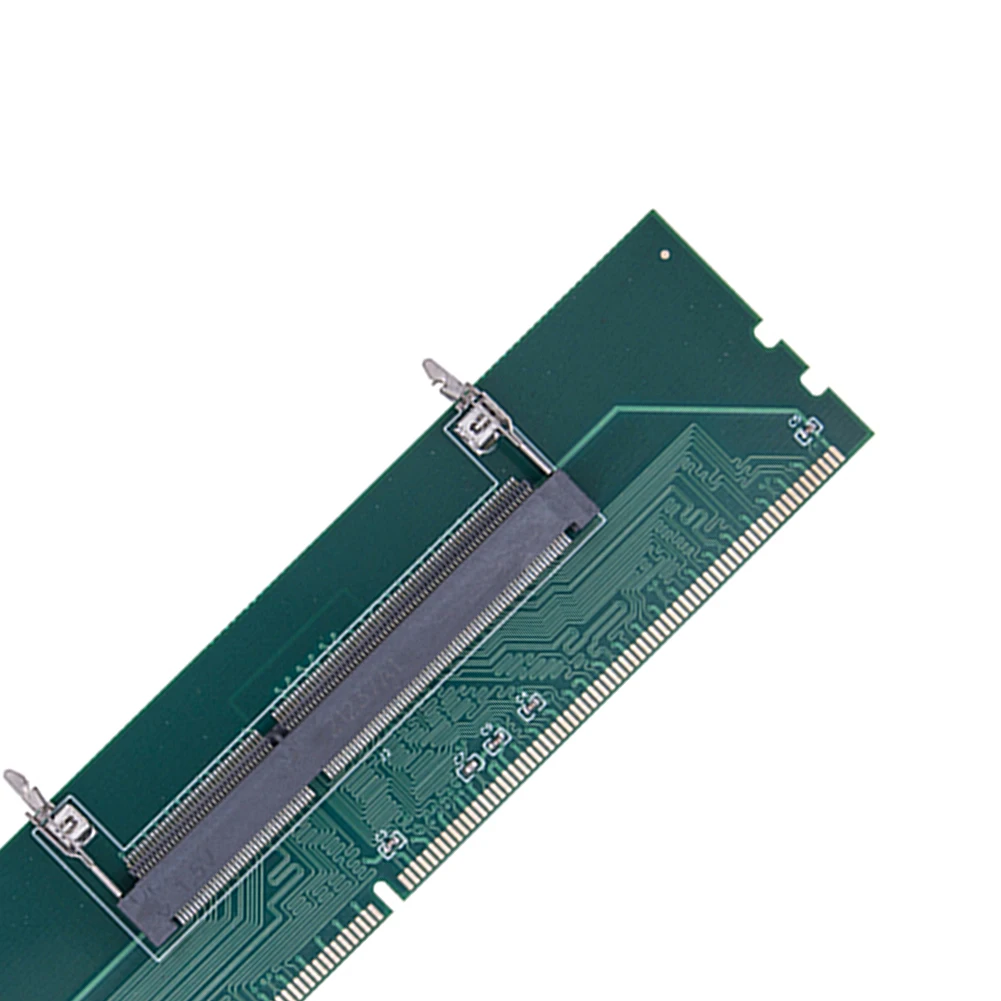
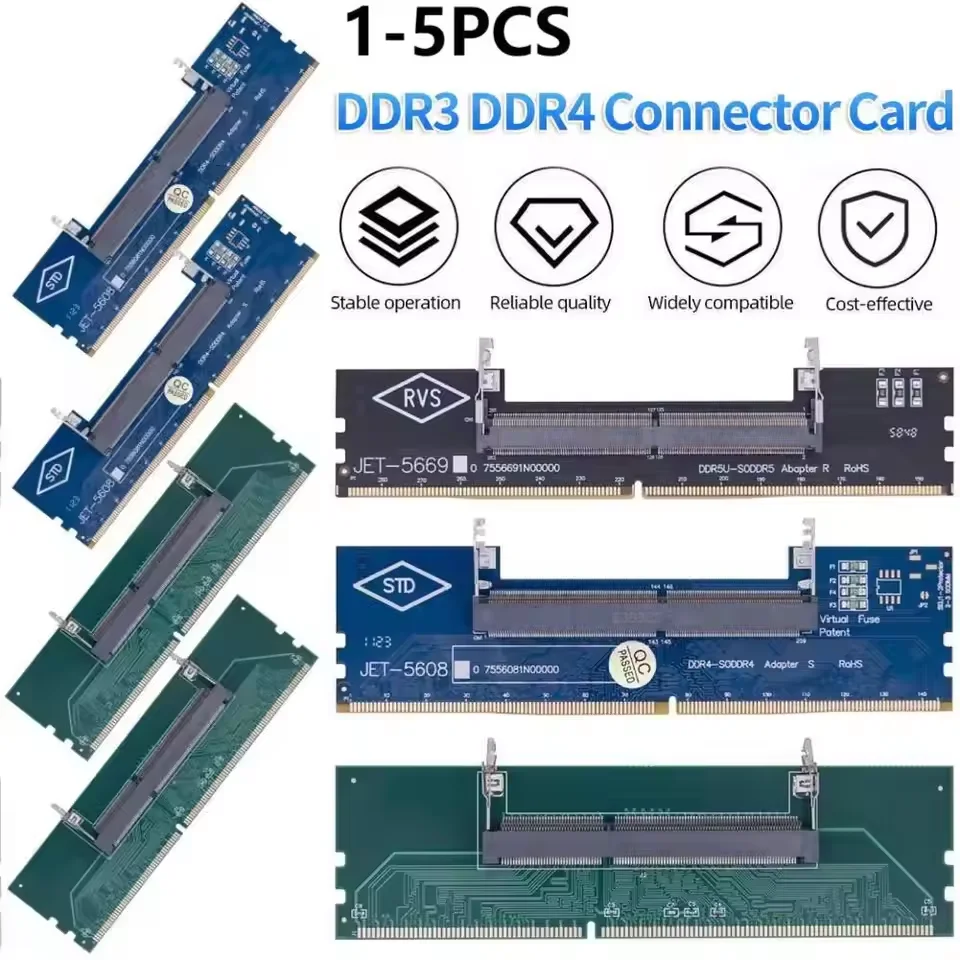
 Laptop To Desktop Memory Adapter Card DDR3 DDR4 DDR5 SO-DIMM To PC DIMM Card Connector Card
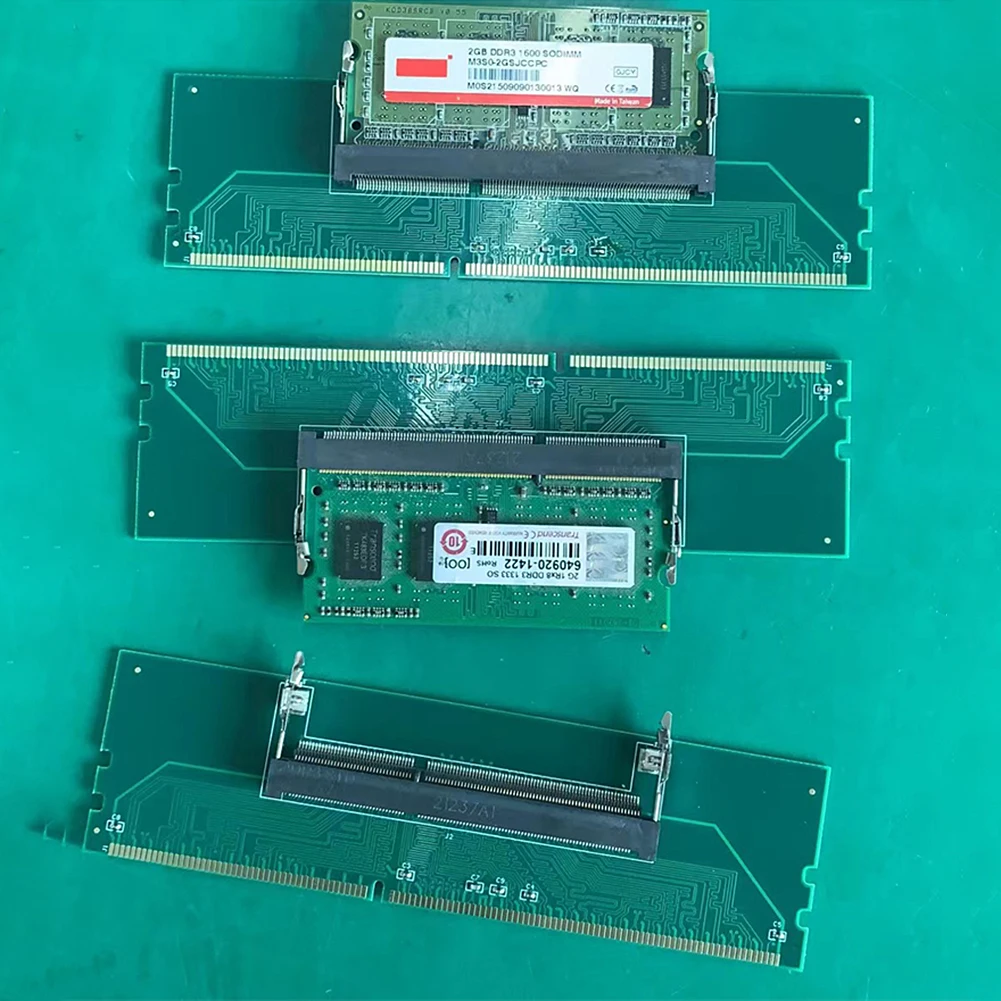
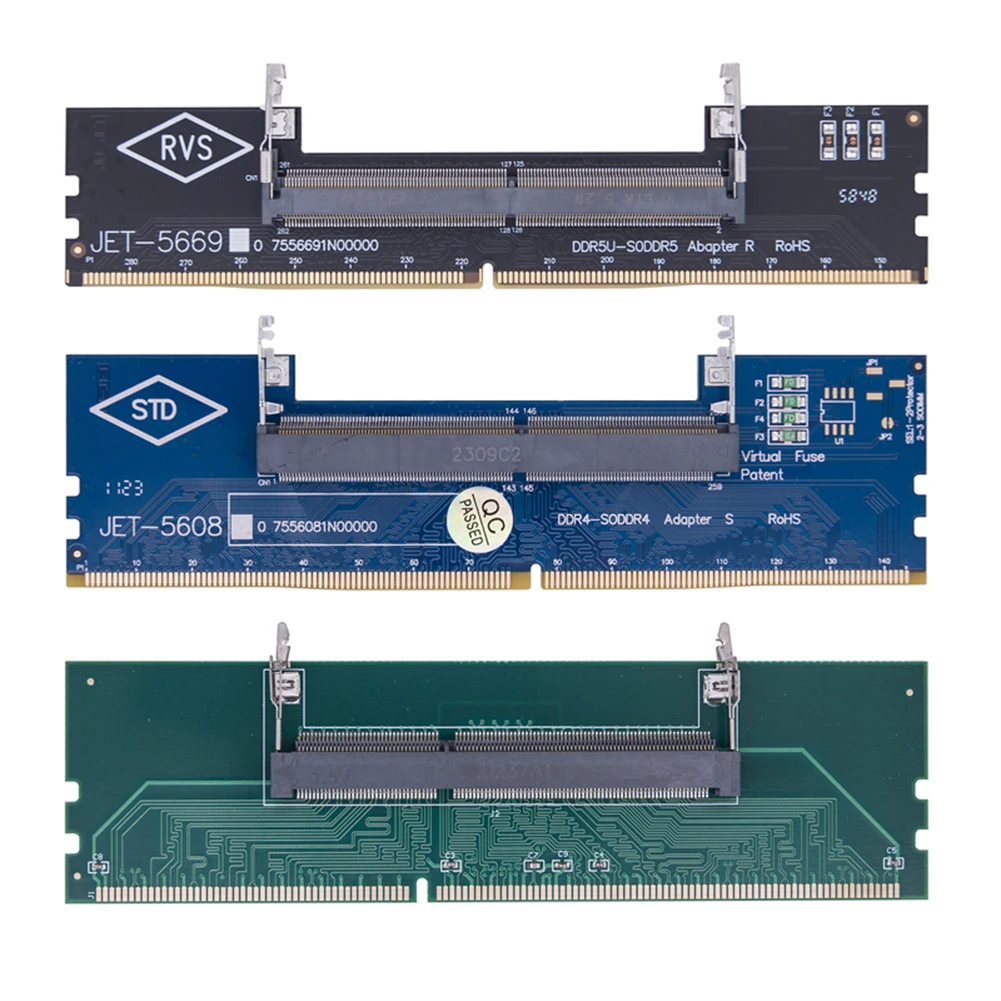
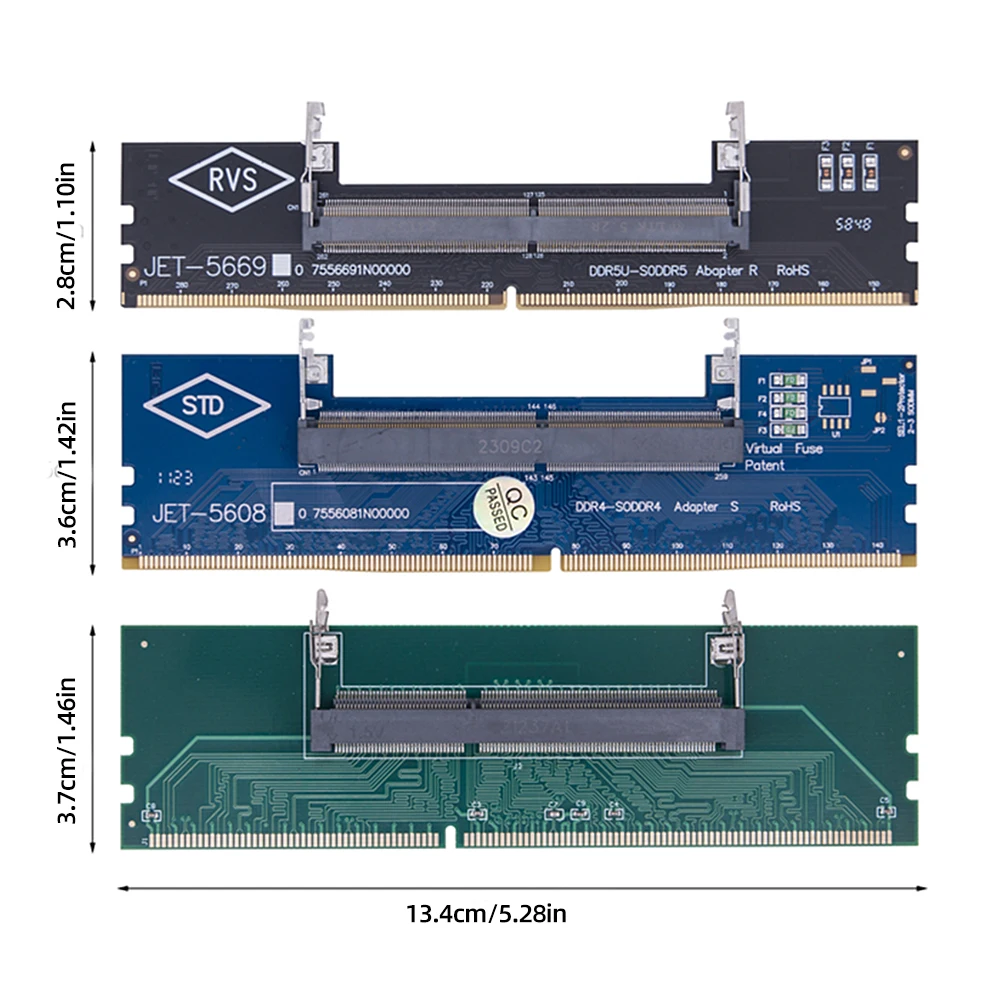
Feature: Specification: Certification: NONE Origin: Mainland China Type: Cable Adapter Model Number: Laptop To Desktop Memory Adapter Card Size(optional): DDR3: 13.4 x 3.7cm/5.3 x 1.5inch DDR4: 13.4 x 3.6cm/5.3 x 1.4inch DDR5: 13.4 x 2.8cm/5.3 x 1.1inch 1. Memory and motherboard incompatible: Memory and motherboard incompatible failure is more common, manifested as yesterday's computer is still using a good, but this morning a boot, the computer is not compatible with the motherboard. The only way to get rid of this problem is to open the case, take the memory stick off and reinsert it. Note: When unplugging the memory stick, be sure to unplug the mainframe and power cord to prevent accidental burning of the memory. This is a light fault, in serious cases, you need to wipe several memory slots several times to light up the machine. However, in less than ten days and half a month, the alarm will appear again. As soon as you open the case and plug the memory in, it will be fine again. If you say there is a problem with the machine, as long as it lights up, it will run for 10 days and half a month without any problems. But the constant alarms are too much for anyone to bear. This is a typical case of incompatible memory and motherboard. The causes of this failure are: (1) The memory stick is not standardised and the memory stick is a little thin. When the memory is inserted into the memory slot, a certain is left. If there is vibration or dust falling in during use, it will cause the memory to make poor contact and produce an alarm. (2) The gold fingers of the memory stick are poorly crafted and the surface of the gold fingers is poorly plated. During prolonged use, the oxide layer on the surface of the gold fingers gradually thickens and, after accumulation, will result in poor memory contact and memory alarms when booting. (3) Poor quality memory slots, reeds and memory sticks with gold finger contact is not really, in the process of use there is always a hidden danger, time will not light up, boot up the alarm. (4) Then there is the sheer incompatibility of the situation: a strip that works fine on some motherboards, but to this motherboard often crashes, or does not start properly. This is a typical incompatibility situation.
Note: 
1 x Memory Adapter Card

|



Details
This product is crafted with quality materials to ensure durability and performance. Designed with your convenience in mind, it seamlessly fits into your everyday life.
Shipping & Returns
We strive to process and ship all orders in a timely manner, working diligently to ensure that your items are on their way to you as soon as possible.
We are committed to ensuring a positive shopping experience for all our customers. If for any reason you wish to return an item, we invite you to reach out to our team for assistance, and we will evaluate every return request with care and consideration.
Shop The Full Collection


