

JUHOR DDR4 8GB 3200MHz CL16 High Performance Desktop Memory
3200MHz / 8 GB
$70.85 USD
Passer aux informations sur le produit


JUHOR DDR4 8GB 3200MHz CL16 High Performance Desktop Memory
$70.85 USD
Expédition calculée lors du paiement.
SPECIFICATIONS
8GB 3200MHz: 3200MHz 8GBX1PCS
Application: Desktop
Brand Name: JUHOR
Choice: yes
Cooling Fin: Yes
Frequency: 3200
High-concerned chemical: None
Interface Type: 288pin
JUHOR Model: DDR4 8GB 3200
Memory Frequency: 3200 MHz
Memory Voltage: 1.35
Origin: Mainland China
Package: Yes
RGB: no
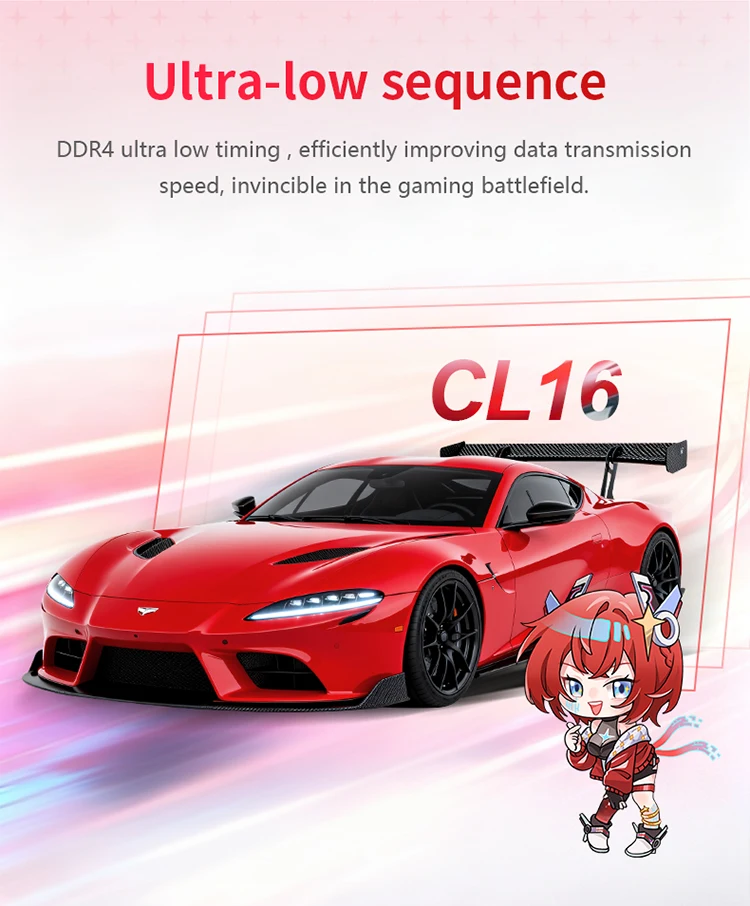
Sequence: 16-20-20-38
The value of CL: 16
Type: DDR4
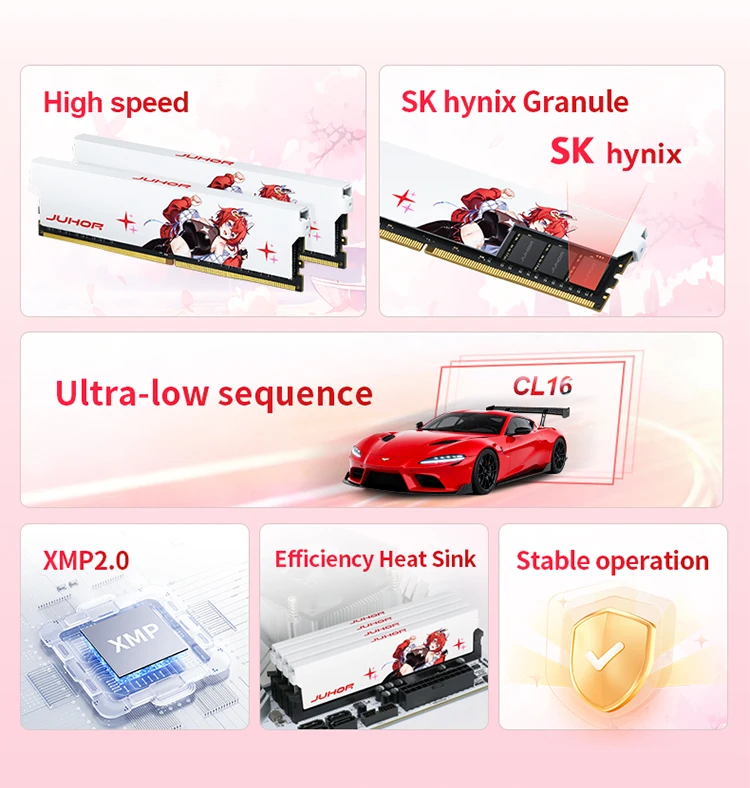
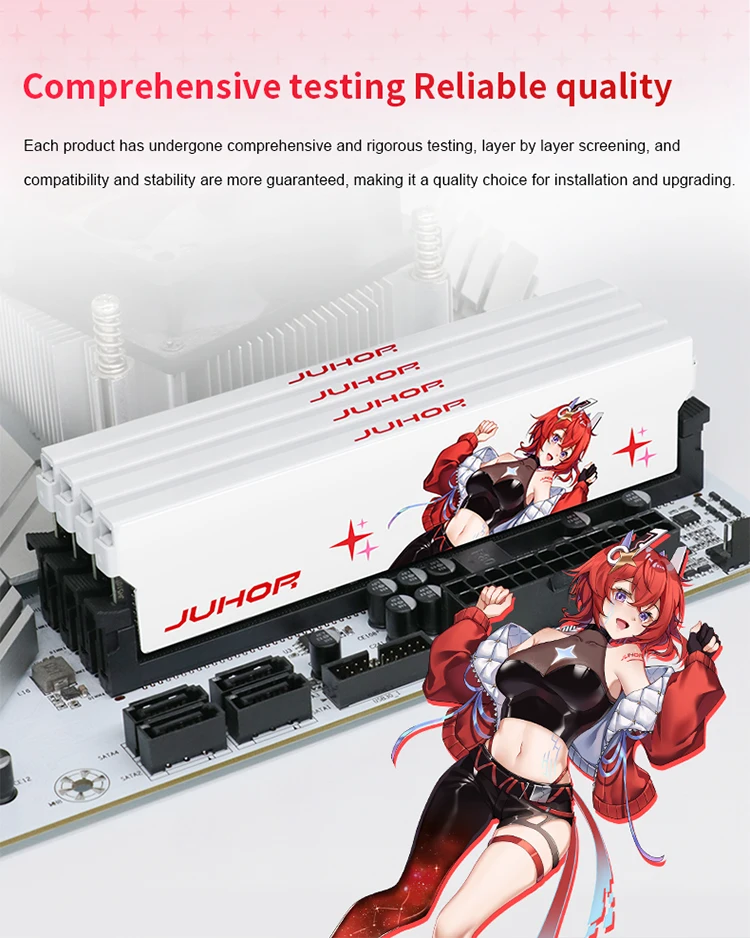
JUHOR Memoria Ram ddr4 8GB 3200MHz DIMM Desktop Gaming Memory RAMS with White Heat Sink
1.If you are not sure if your computer motherboard is compatible with memoria ram, you can contact our online customer service at any time.
Please make sure your address is correct and detailed before placing order to avoid delivery failure..
We are not responsible for any wrong or undeliverable address. Please make sure your address is correct and detailed before placing an order..
2.This link does not support x99 and x79 series motherboards...This product compatible with AMD and INTEL motherboards
3.Before ordering, please make sure that the RAM is compatible with themotherboard/CPU..
4.XMP 2.0 is an optimization technology used by Intel on DDR4,It can automatically overclock. Just open XMP function in the BIOS,So that could get the idealperformance setting..
Memory products with a frequency of 3000MHZ and higher than 3000mhz , which are not using the J.E.D.E.C. standard, which are with the X.M.P. standard. Please check whether the motherboard and CPU support X.M.P. before purchasing.
If the motherboard and CPU don' t support the change standard,the memory will can only work at 2666MHz/2400MHz..
In addition, due to the CPU and motherboard’s problems, for 3000MHz and above frequency 3000mhz memory, if you two pieces single channel memory or four combinations together , it may not be able to form a two-channel or multi-channel, without the original manufacture’s test, you can mix and match personally , there may be mismatch and can’t work in right way ..
NOTICE: We show the photo of the products, pictures for reference only, subject to our available products..

Why is my BIOS or diagnostic program (CPU-Z) showing that my memory is running at half the frequency?
The BIOS or diagnostic program usually reports the memory bus frequency, which is half of the frequency for DDR type memory. DDR (Double Data Rate) data rate provides twice the memory bus frequency. Therefore, if the memory bus speed is 1600MHz and you are using DDR4-3200 memory, the RAM is running at the correct speed.
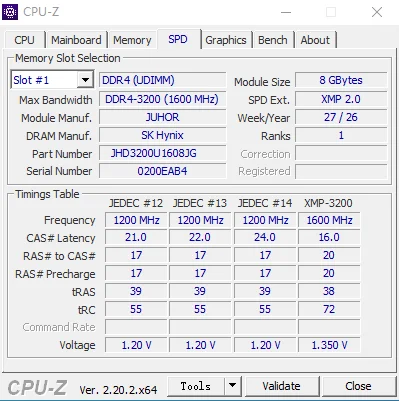
Please download the latest version of BIOS and other software. If you are using an older version, there may be data discrepancies. If you have any questions, please our online customer service promptly.


After-sales service is not provided in the following cases:
1. Product appearance damage caused by natural disasters, accidents, force majeure events, or poor storage conditions; 2. Malfunctions not attributable to the product itself due to improper human operation (e.g., use beyond the designed scope, use as fixtures, or for insertion/removal testing) or improper installation (e.g., plugging/unplugging while powered on, powering on without proper installation, or use on equipment incompatible with Jiuhe product specifications);
3. IC chip damage, scratches, or detachment;
4. PCB circuit board damage, scratches, or fractures;
5. Damage or detachment of internal components such as capacitors, resistors, or resistance grids due to external forces; 6. Failure to power on caused by EPROM damage; 7. Damage or alteration of original labels or anti-counterfeiting labels, or unauthorized removal/damage of heat sinks; 8. Memory damage resulting from improper disassembly/assembly, unauthorized repairs, or unauthorized modification of memory SPD parameters.
Memory Purchase Tip
1. Due to varying factory batches, PCB boards of the same model may differ in color and width. However, all memory products maintain identical quality and compatibility—use them with confidence.
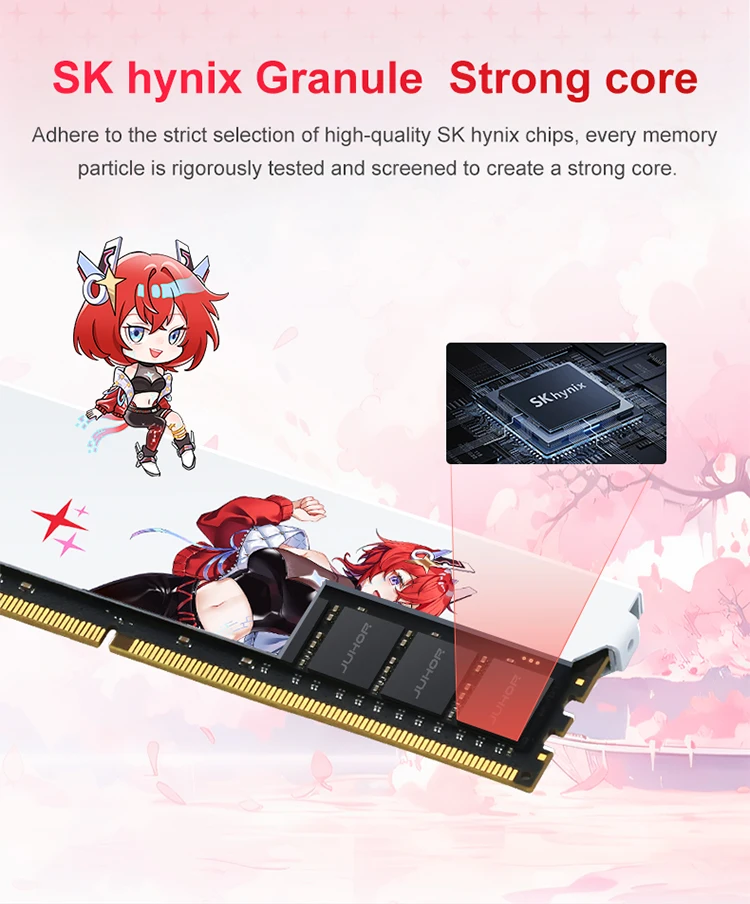
2. The manufacturer of the JUHOR memory module does not produce memory chips itself. Depending on the production batch, different chip types (e.g., Samsung, Micron, Hynix, South Asia Yisheng, Elpida), chip counts (4P/8P/16P), or chip orientations (single-sided/double-sided) may be used. Each chip undergoes rigorous testing to ensure compatibility and stability—rest assured when making your purchase.
3. After installing memory modules, use CPU-Z to check their actual operating frequency. If the computer fails to operate at the rated frequency, verify the following: whether other hardware supports the purchased frequency; whether multiple memory modules with different frequencies are used together (high-frequency modules automatically synchronize with low-frequency ones); and whether the memory XMP setting is enabled. For further assistance, contact your store's customer service.
4. For desktop memory modules exceeding 3000 MHz, they require compatible motherboards and processors to fully utilize their overclocking potential. Before purchasing, verify whether your current motherboard and processor support the desired memory specifications. The BIOS interface displays "XMP" or "DOCP" as the overclocking designation; without XMP enabled, the system operates at the default frequency of 2666 MHz, while enabling XMP via a single click delivers the officially guaranteed overclock speed.
5. The rated overclocking frequency is the maximum frequency; do not exceed the product's design limits.
6. The transmission speed of dual-channel configuration is nearly twice that of single-channel, delivering significantly better performance. Dual-channel operation requires no additional setup; simply insert the memory modules into the designated slots to enable dual-channel functionality. Generally, a motherboard with two memory slots operates in dual-channel mode when both modules are installed; for motherboards with four or eight slots, dual-channel configuration requires placing both modules in slots of the same color. Specific requirements may vary depending on motherboard design by manufacturer; refer to the official documentation for details.
7. For systems with a total installed memory capacity of ≥4 GB, use a 64-bit operating system.
8. Regarding insertion marks: To ensure the performance and quality of JUHOR products, all items undergo comprehensive machine testing before shipment, resulting in slight insertion marks on each product's gold fingers. These marks do not affect functionality or after-sales service; please use them with confidence.
Détails
Ce produit est fabriqué avec des matériaux de qualité pour garantir sa durabilité et ses performances. Conçu pour votre confort, il s'intègre parfaitement à votre quotidien.
Livraison et retours
Nous nous efforçons de traiter et d'expédier toutes les commandes dans les meilleurs délais, en travaillant avec diligence pour que vos articles vous parviennent le plus rapidement possible.
Nous nous engageons à offrir une expérience d'achat positive à tous nos clients. Si, pour une raison quelconque, vous souhaitez retourner un article, nous vous invitons à contacter notre équipe pour obtenir de l'aide. Nous évaluerons chaque demande de retour avec soin et considération.
Découvrir toute la collection


